The Roadmap is where strategy meets execution. It organises your team’s initiatives into
three time horizons so you can prioritise the present while keeping sight of what’s coming:
Now
Initiatives you’re working on this quarter.
Next
Planned for the following quarter.
Later
On the longer-term horizon.
Each initiative is a card you can drag between horizons as priorities shift. Quarterly
targets from your roadmap appear automatically on the Strategy page,
creating a visible link between strategy and delivery.
The roadmap board, organised into Now / Next / Later
Pick your team, then choose Roadmap in the sidebar to see the board.
2
Add an initiative
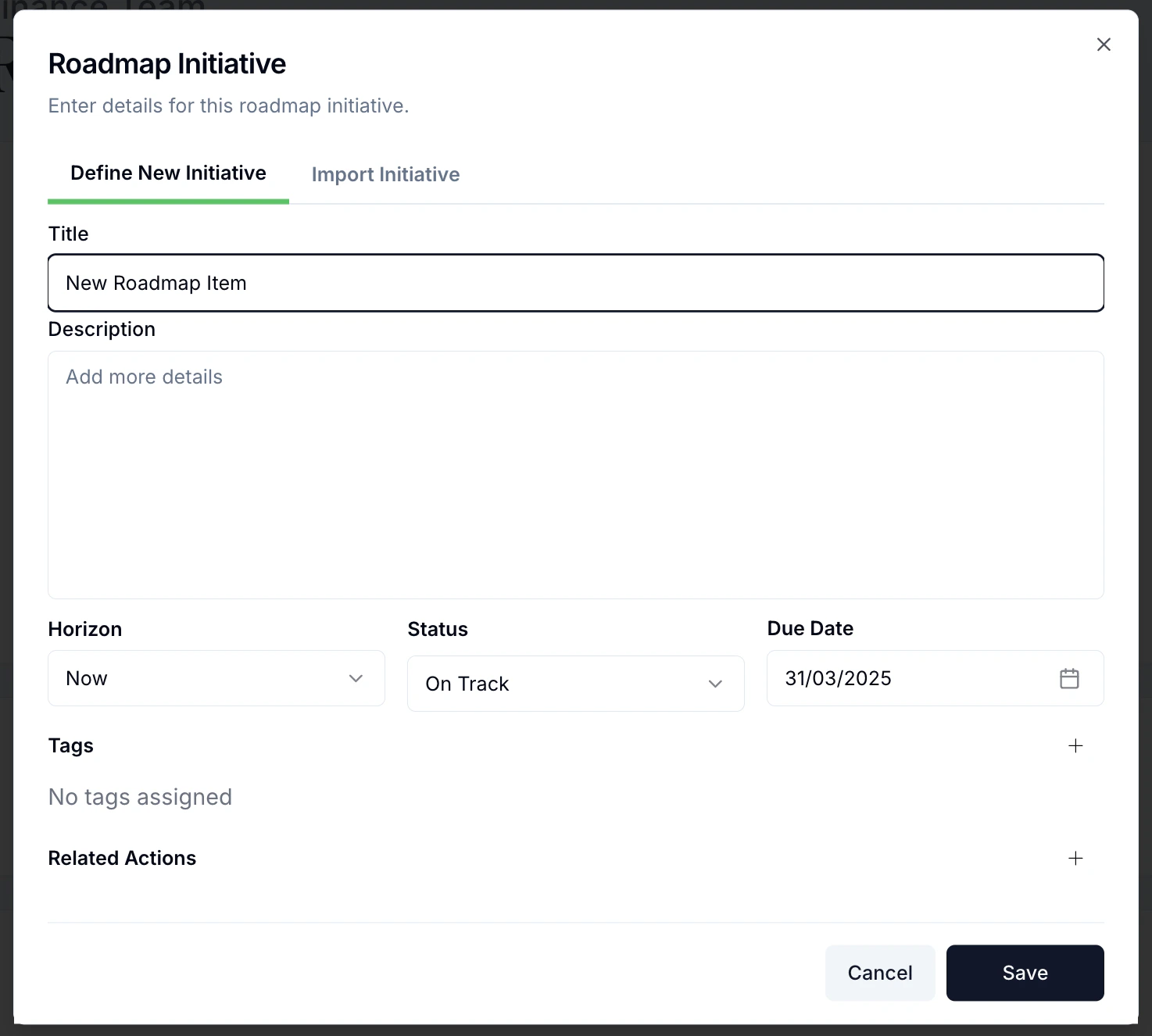
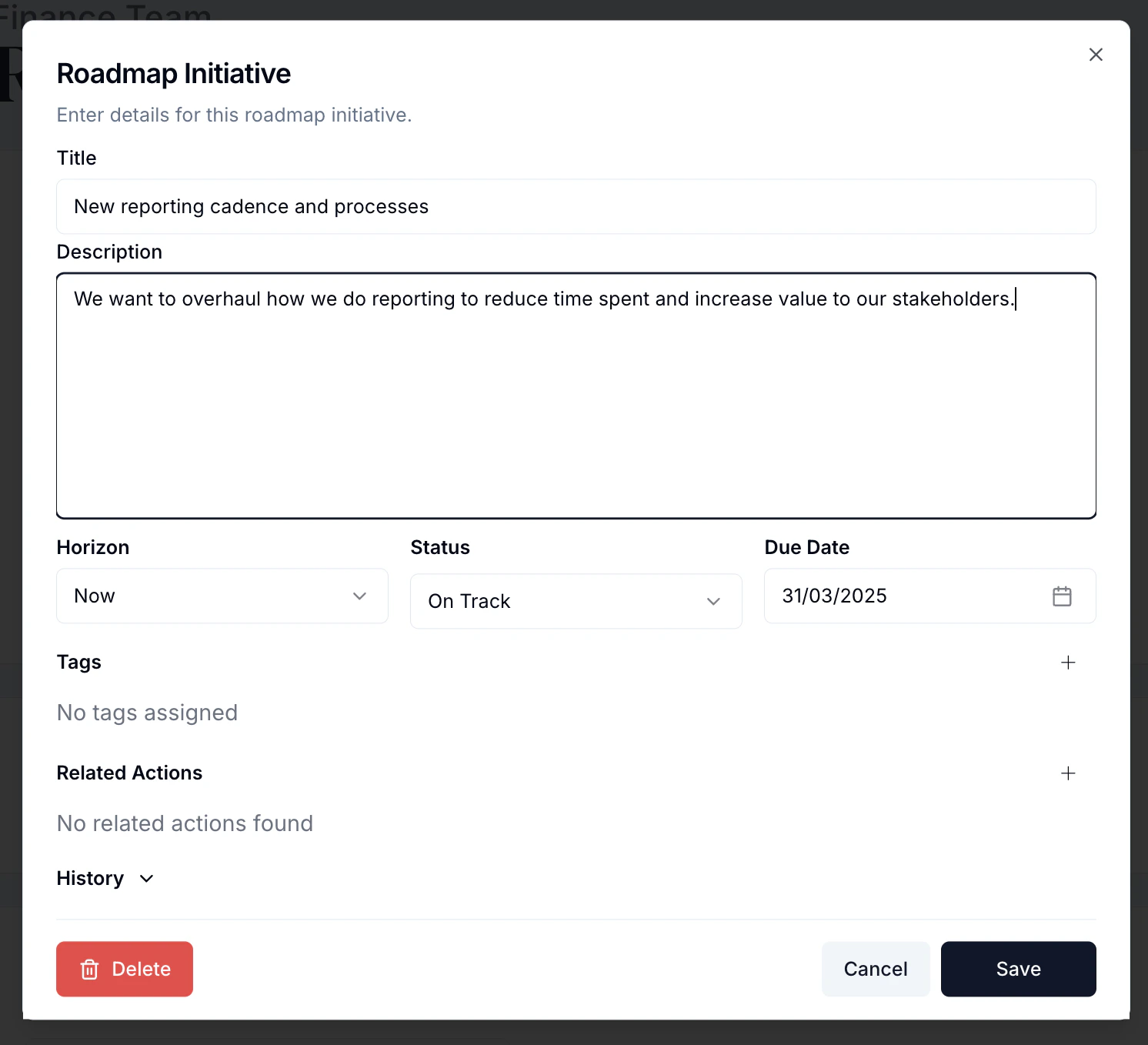
Create a New Initiative and fill out its details:
Title — a clear, concise name (e.g. “Create new reporting cadence”).
Description — why you’re doing it and what it involves.
Horizon — Now, Next, or Later.
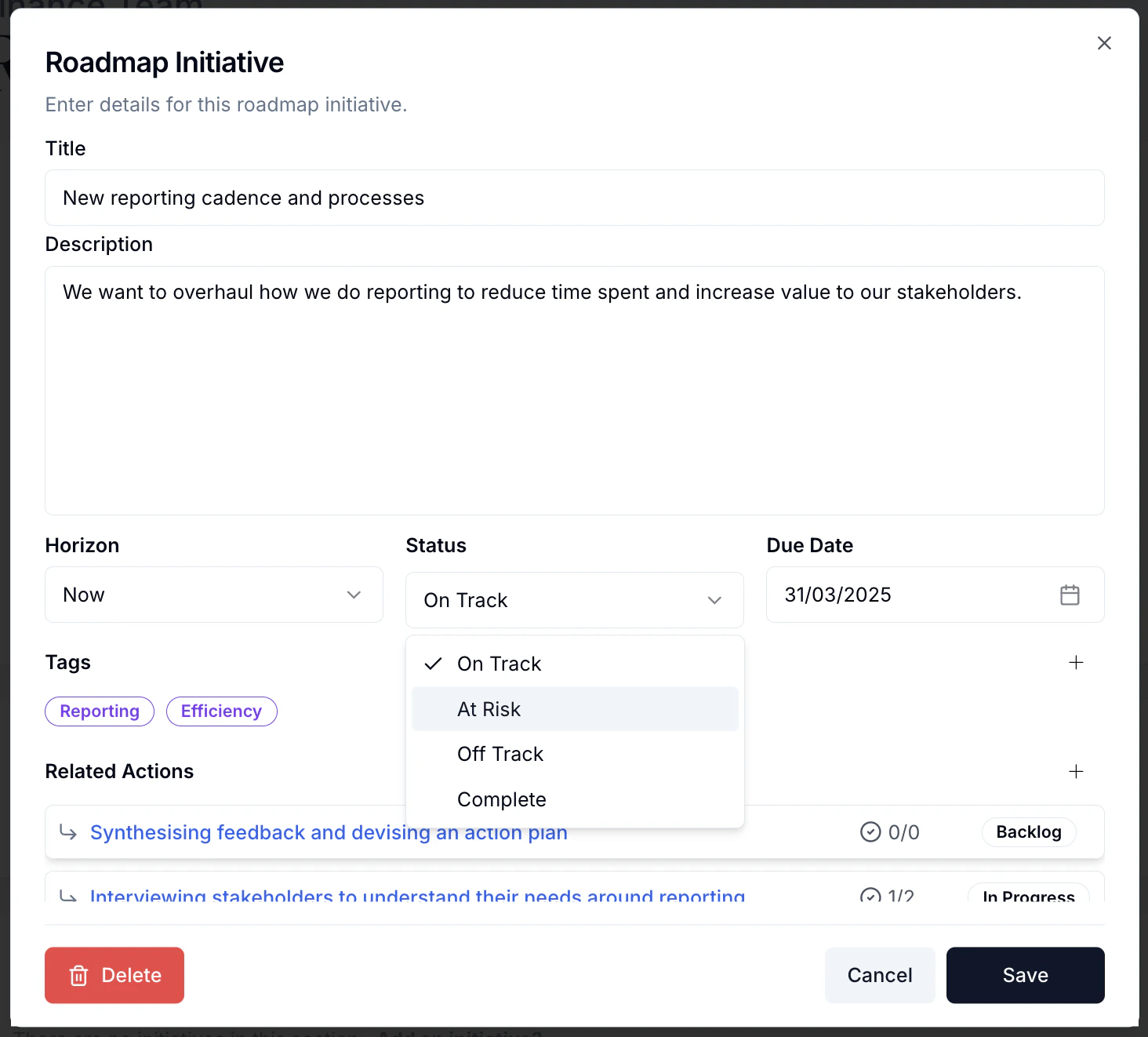
Status — On Track (default), At Risk, Off Track, or Complete.
Due date — defaults to the end of the selected quarter; adjust as needed.
Creating a new initiative
Filling out the initiative details
3
Break it into actions
In Related Actions, add the concrete steps needed to deliver the initiative. These
flow straight onto your Actions board.
Adding related actions to an initiative
4
Save and track
Save, and the initiative appears as a card in its horizon. A coloured bar shows status
at a glance — green (On Track), orange (At Risk), red (Off Track), grey (Complete).
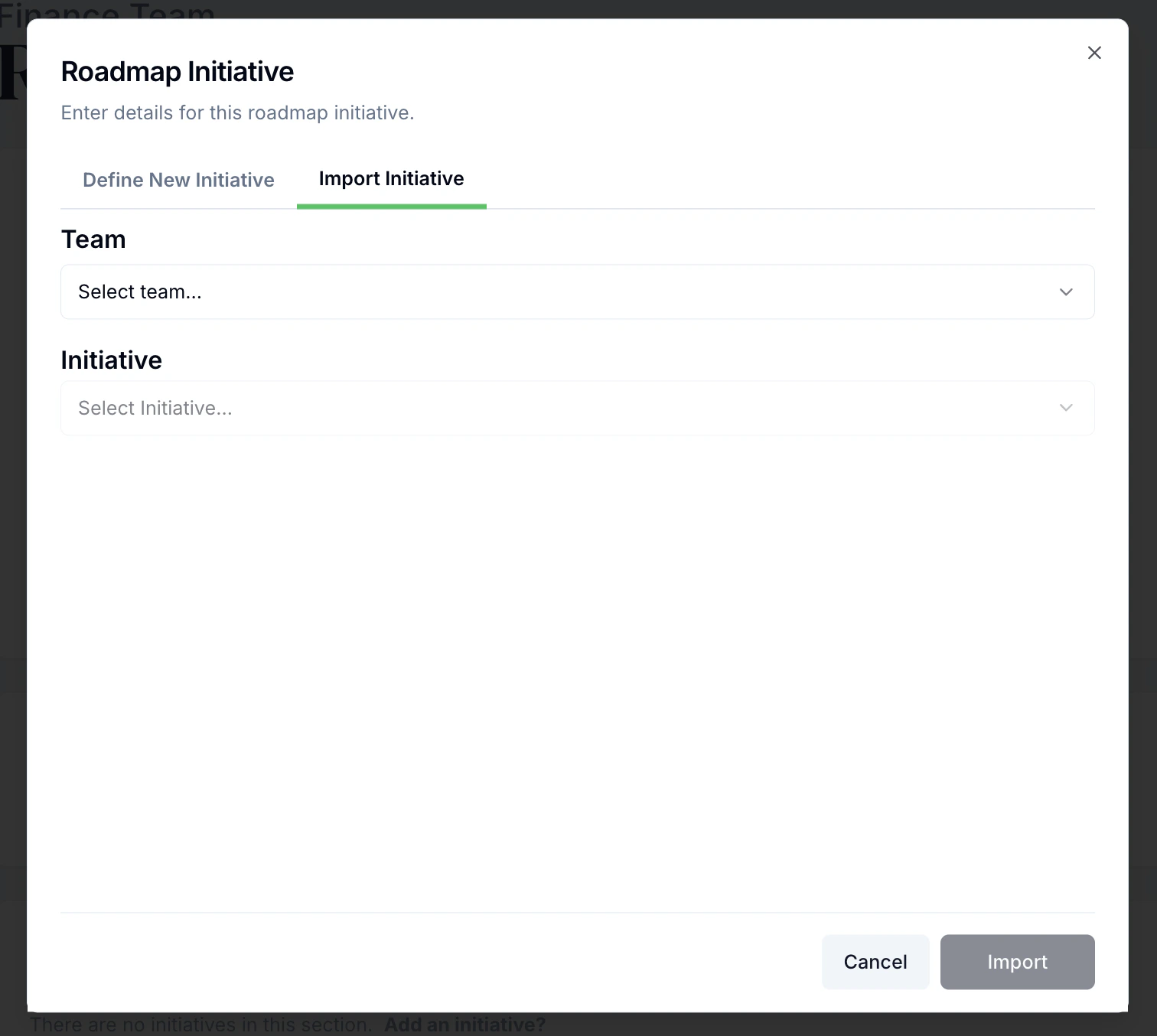
When creating an initiative, use Import initiatives from other teams to pull in an
initiative from elsewhere in the organisation so strategic work cascades appropriately.