The Strategy page is your command centre. It brings your entire strategy together in one
consolidated, always-current view so the whole team works from the same picture. A
complete strategy can include:
Imported automatically from your Performance page.
Business model
Competitor analysis
Keeping everything on one page makes it easy to check that each element supports the
others. You can collapse sections to focus on a single element at a time.
There are two ways to get your strategy into Ciclo — use whichever you prefer:
Upload an existing strategy — choose Quick strategy upload on a blank Strategy
page (or the Upload strategy button at the top once you have content) to upload the
documents you already have — plans, decks, spreadsheets, even photos of a whiteboard
(up to 10 files). Ciclo’s AI reads them and turns them into a draft strategy for you to
review and refine.
Start from scratch — build each element in the editor, with expert guidance and AI
refinement along the way.
The steps below walk through building in the editor.
1
Open your team's Strategy page
From the home page, pick your team in the team selector, then choose Strategy in
the sidebar. A new team starts with a blank strategy offering both options:
Quick strategy upload or Start from scratch.
2
Open the editor
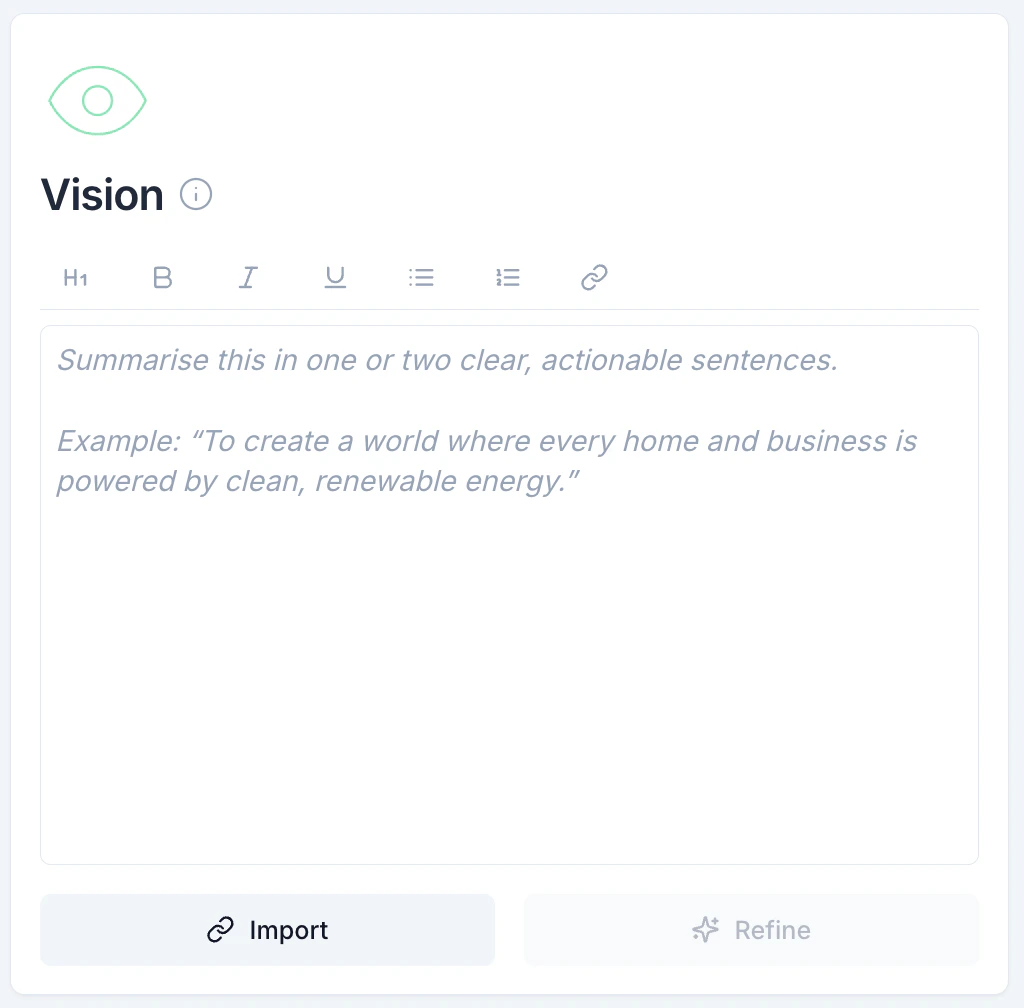
Start editing to reveal the panel with every strategy element. Begin with your
Vision — it’s the foundation everything else builds on.
The editing panel lists every strategy element
Each element has its own editor
3
Get expert guidance
Each element has an information (i) icon with best-practice guidance on how to
describe it, drawn from years of work with executive teams. Use it whenever you’re
unsure how to phrase an element.
Best-practice guidance for each element
4
Refine your wording with AI
After drafting an element, use Refine to get an AI analysis of what to improve,
suggested edits, and alternative versions you can apply with one click. The AI also
considers the rest of your organisation’s strategy to keep language consistent.
AI refinement suggests clearer, stronger wording
5
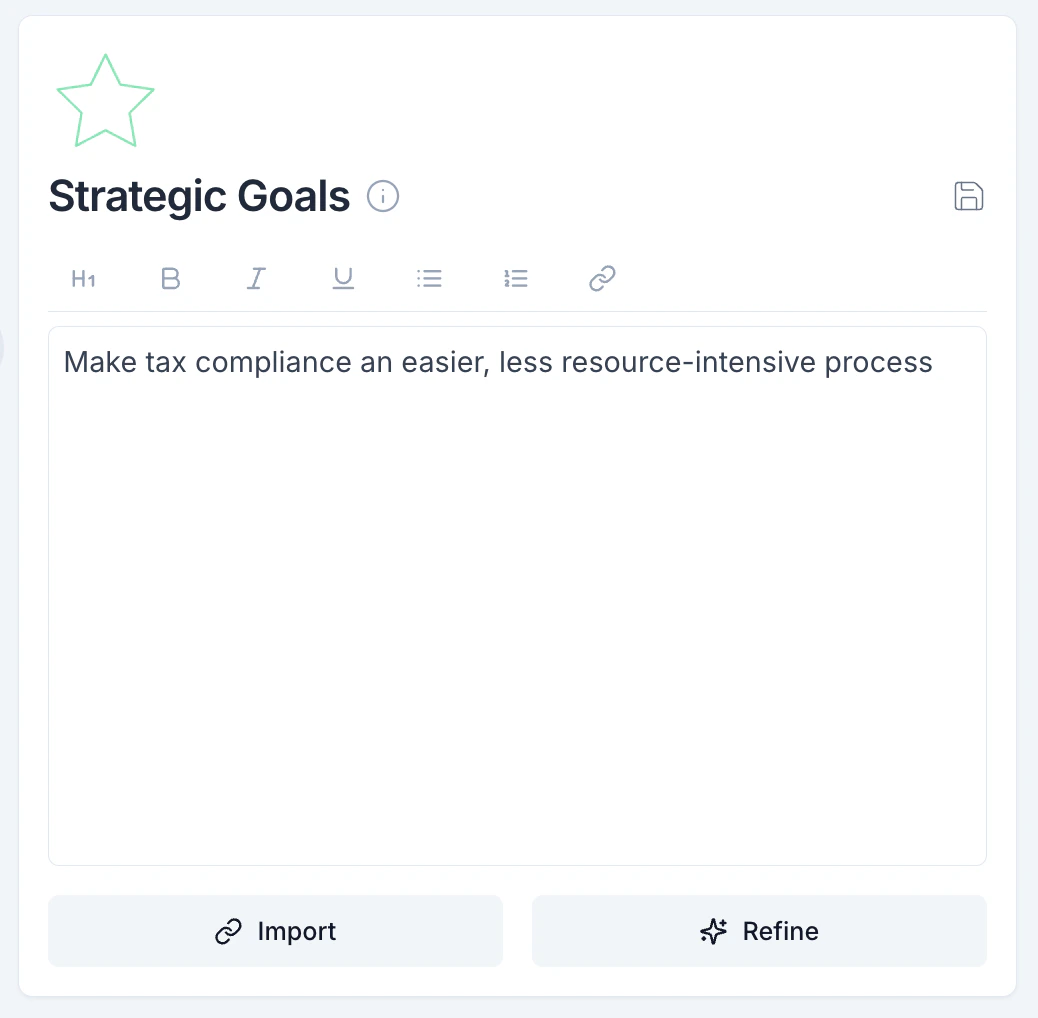
Fill out the remaining elements
Work through strategic goals, values, challenges, 3–5 year targets, and annual targets.
Quarterly targets and KPIs flow in automatically from your Roadmap and Performance pages.
Adding a strategic goal
6
Run an AI analysis of the whole strategy
Use the analysis action to get an assessment of your strategy’s health: what’s
working, what to improve, and a few specific, actionable insights. It checks your
strategy against best practice and for internal consistency.
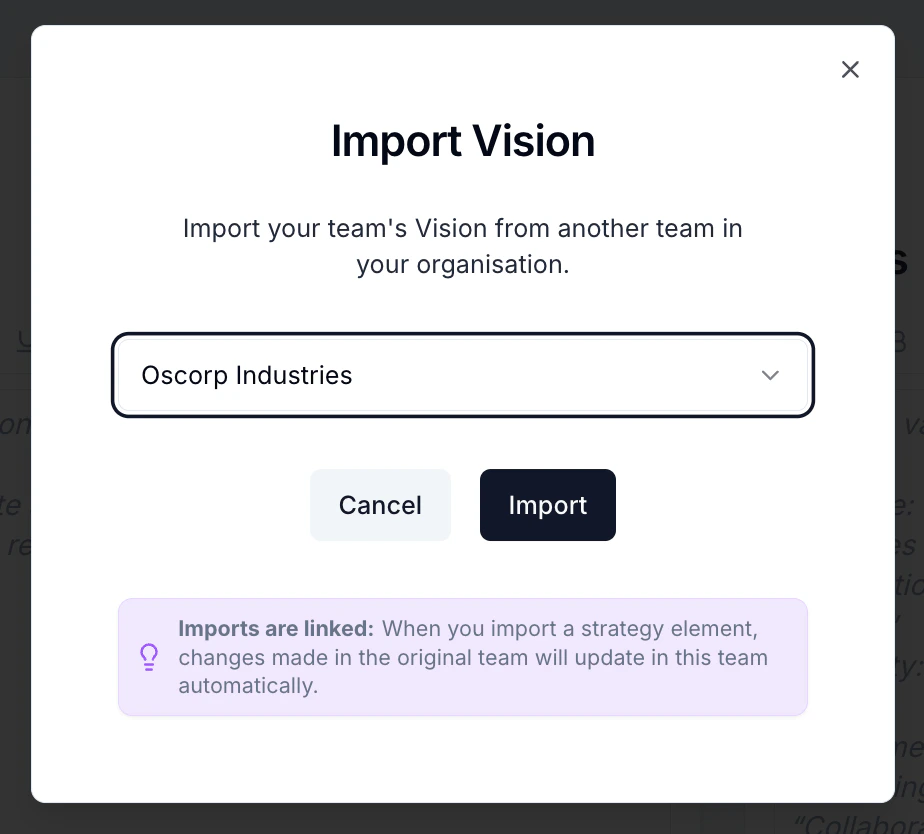
Use Import to pull a strategy element from another team in your organisation.
Import strategy elements from another team
Imported elements show a linked icon. If the original team updates that element, the
change cascades to yours automatically — so the organisation stays consistent. The moment
you edit the text yourself, the link breaks and automatic cascading stops, letting you
customise where you need to. See the Alignment view for the full
picture of how everything connects.