

Overview
Every Ciclo Strategy account starts with a free trial of the full platform. Upgrading takes about two minutes: you open the secure billing portal, add a payment method, and confirm your subscription. Everything you’ve built during the trial — your strategy, roadmap, KPIs, actions, and team members — carries straight over.Upgrading is handled by your organisation administrator (the person who created the
account). If you don’t see the options below, ask your admin to upgrade — or email
[email protected] and we’ll point you in the right
direction.
Option 1: From the trial banner
While you’re on a trial, administrators see a banner across the top of every page showing how many days remain.
Add your payment details
Enter your payment method and confirm your subscription. Billing is handled by
Stripe — Ciclo never sees or stores your card details.
Dismissed the banner with the X? It comes back the next time you reload or sign in,
or you can upgrade from Settings at any time (below).
Option 2: From Settings
Open Settings
Click your name and organisation name in the bottom-left corner of the screen, then
choose Settings.
Go to Account details
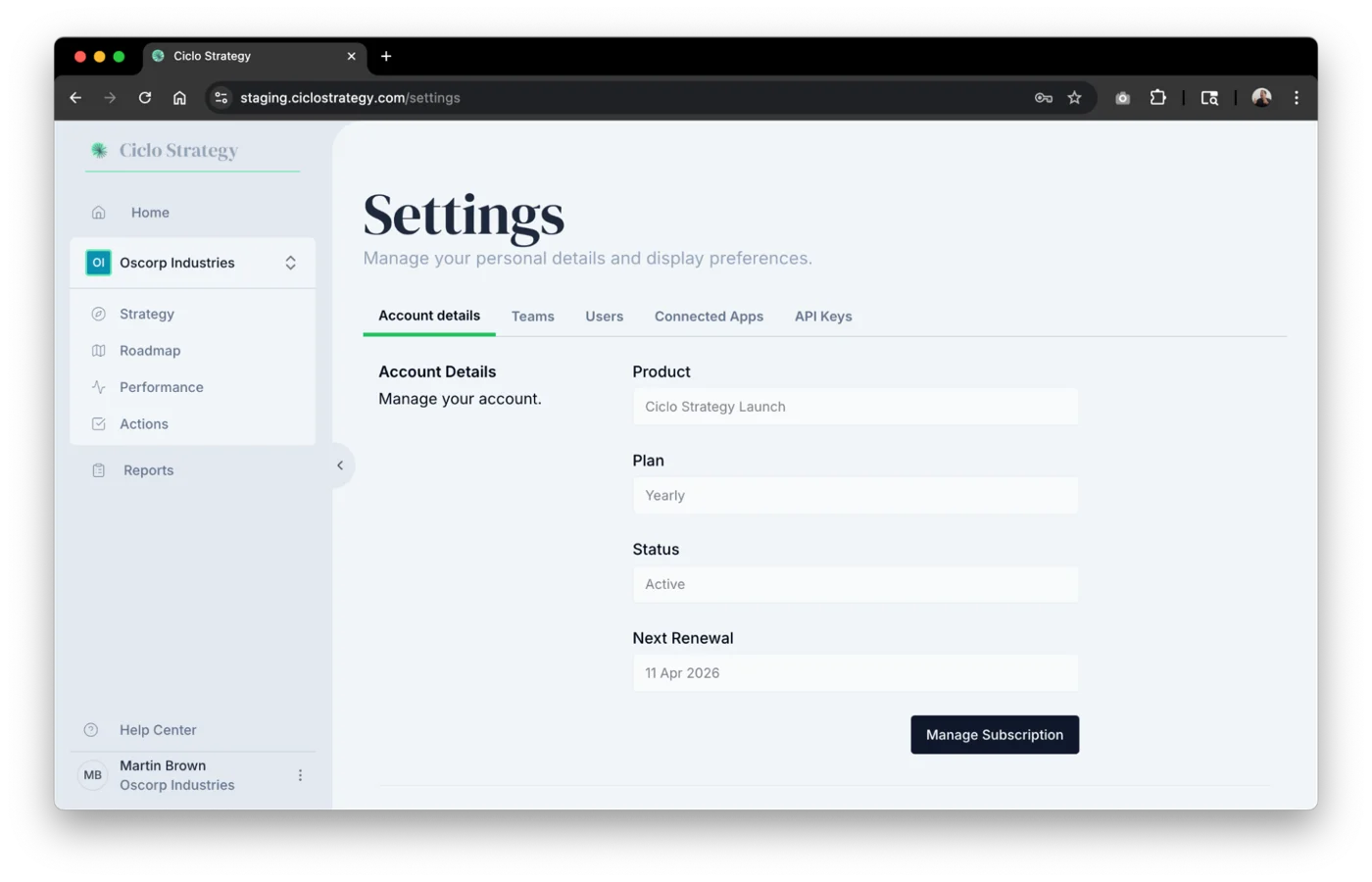
The Account details tab opens first. The Account Details section at the top
shows your current product, plan, status, next renewal date, and licensed users.
What happens when you upgrade
- All your data stays — strategy, roadmap, KPIs, actions, reports, and workspaces are untouched.
- Your team keeps working — everyone you’ve invited keeps their access and roles.
- Billing starts on your plan — you’re billed for your licensed users on the plan shown in your Account Details (monthly or yearly).